


Black Friday: What to Check in Your Invoicing Before the Peak
Plan limit, series, discounts, unpaid Multibanco references and returns: what to review in an online shop's invoicing before Black Friday in Portugal.
Black Friday packs weeks of volume into a few days. In 2026 it falls on 27 November, with Cyber Monday on the 30th. What works fine on a normal day can fail with ten times the orders, and almost everything that goes wrong with invoicing can be fixed before the campaign starts.
This is what to check, in order.
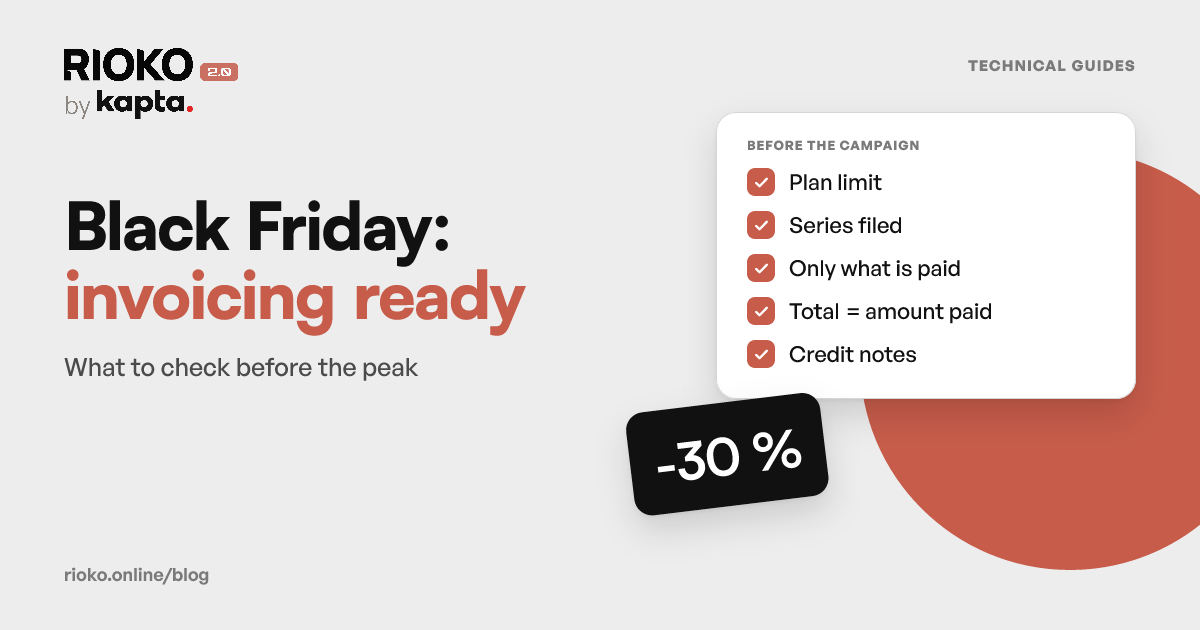
The list in nine points
- The document limit on your invoicing software plan.
- The series filed with the tax authority, including the credit note series.
- Invoicing only what is paid, especially with Multibanco and MB WAY.
- Discounts: the invoice total is what the customer paid.
- The VAT number: where you collect it and how it reaches the invoice.
- Drafts: who finalises them, and when.
- The €10,000 threshold on sales across the EU.
- Vouchers and gift cards, if you sell them.
- Returns, which arrive after the campaign.
1. Your plan's document limit
Some invoicing software plans limit the number of documents per period. When you reach the limit, the program refuses new documents, and sales go uninvoiced until you upgrade or the period renews.
Do the sums with a margin: orders expected for the campaign, plus what you have already issued in the period, plus the credit notes for returns. If you are close to the limit, upgrade before the campaign, not halfway through it.
2. The series, including the credit note series
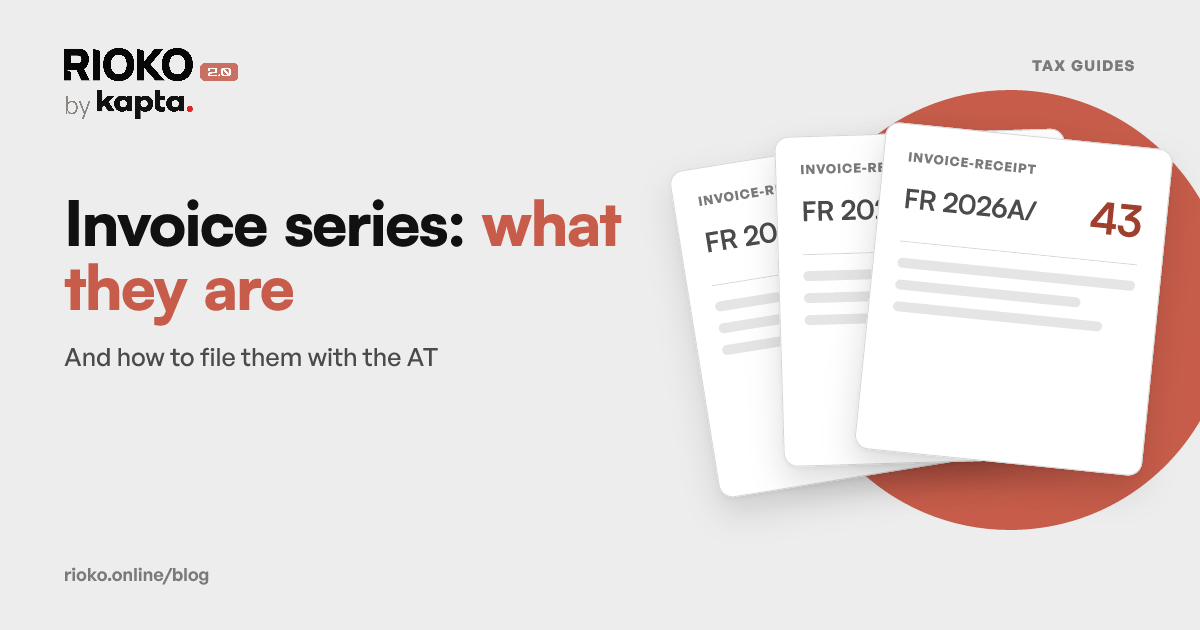
Each document type needs its own series filed with the tax authority. Check the ones the campaign will use: the sales series and the credit note series, which tends to be forgotten and only matters once returns begin.
Look at your latest invoice and latest credit note and check they carry an ATCUD and a QR code. If you need to create a series, there are guides for InvoiceXpress, Moloni, Vendus and TOConline.
3. Invoice only what is paid
A campaign brings more orders that never get paid: Multibanco references that expire, unanswered MB WAY requests, bank transfers that never arrive. An invoice issued at that point would have to be cancelled with a credit note.
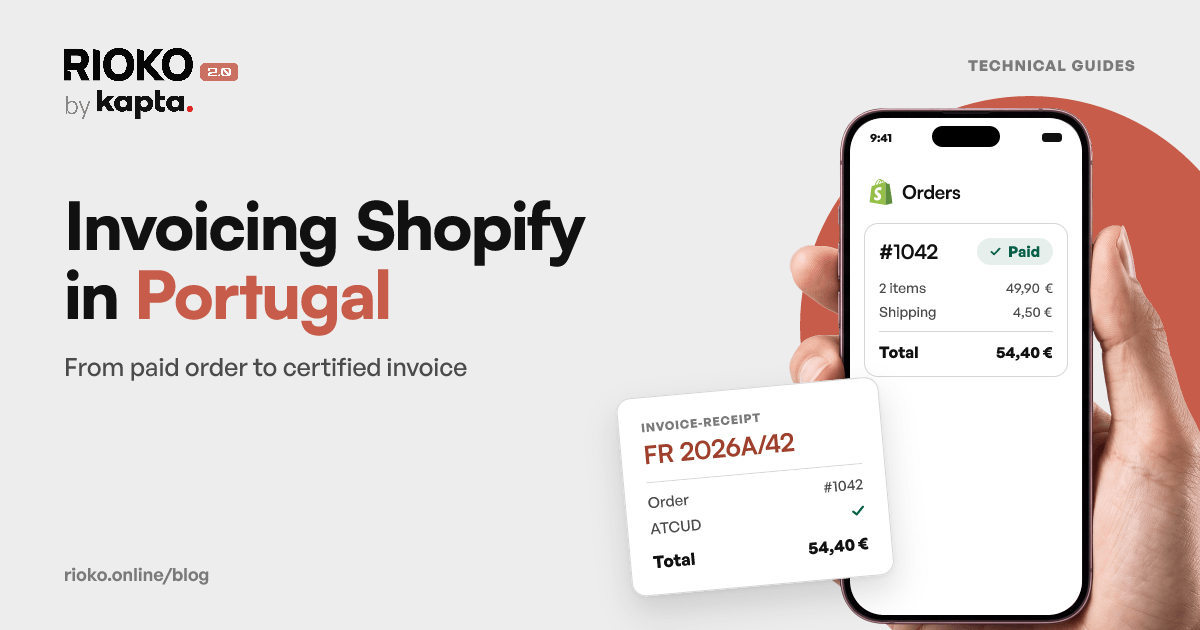
The sensible rule is to invoice when the order is paid. From the moment the tax becomes due, the invoice has to go out by the 5th working day after it (article 36 of the VAT Code). The Shopify invoicing guide covers the full path, and the Stripe guide covers card payments and subscriptions.
4. Discounts: the total is what the customer paid
Discounts are left out of the taxable amount (article 16 of the VAT Code), so VAT is calculated on the discounted price. The invoice total has to be exactly what the customer paid.
This is where campaigns create differences of a few cents: percentages applied across several lines, coupons on the whole cart, free shipping above a certain amount. If you ran a similar promotion before, compare the amount paid with the invoice total on those orders before repeating it.
5. The VAT number
More new customers mean more mistyped VAT numbers and more requests for an invoice after the purchase. Check where you collect the number and how it reaches the document: the Shopify checkout has no dedicated field. When the customer asks for it, showing the VAT number on the invoice is mandatory.
6. Drafts: who finalises them
If your integration leaves invoices as drafts for someone to review, decide who finalises them during the campaign. On a normal day there are only a few. In Black Friday week there can be hundreds, and a draft is not yet a tax document: the issuing deadline keeps running.
7. The €10,000 threshold on EU sales
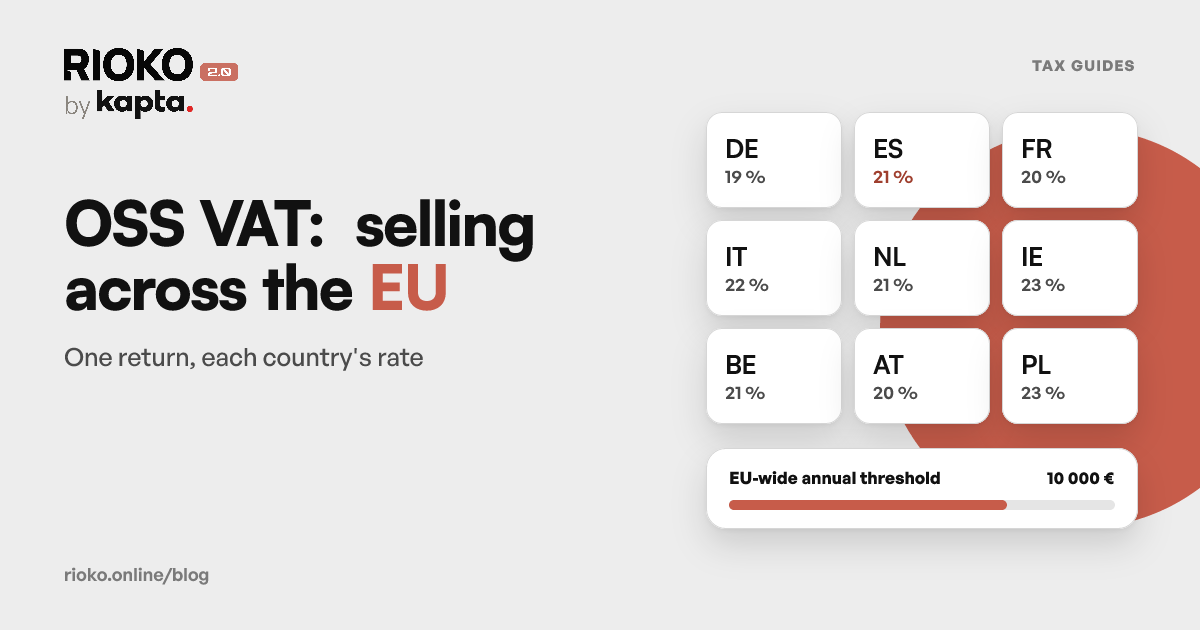
The threshold adds up all distance sales to consumers across the EU in the calendar year, not country by country. If you are already close, a campaign can push you over it, and from that sale the buyer's country rate applies. The OSS guide explains what changes, and sales to EU businesses have their own rules.
8. Vouchers and gift cards
They are common at this time of year, and when VAT is due depends on the type of voucher. With a single-purpose voucher, where everything that defines the tax is already known, VAT is due when the voucher is sold. With a multi-purpose voucher, only when it is used (article 7 of the VAT Code). Check with your accountant which one yours are.
9. Returns come afterwards
For online purchases, the consumer generally has 14 days to withdraw, with no need to give a reason, from receiving the goods (article 10 of Decree-Law 24/2014). Black Friday returns arrive in December.
A refund on the platform does not undo the invoice (the full guide is here). You need a credit note: with the returned lines if it is partial, mirroring the whole document if it is total. The credit note carries the date it is issued and refers to the original invoice, even if that is from the previous month.
If your campaign runs close to year end, see the December checklist too: January's returns already go in the new series.
After the campaign: reporting to the tax authority
November's invoice details have to be reported to the tax authority by the 5th of the following month (article 3 of Decree-Law 198/2012). If your invoicing software reports them itself, check that reporting is switched on. If your accountant sends the SAF-T, let them know about the volume.
How Rioko helps
Rioko connects your shop or payments to the invoicing software you already use (InvoiceXpress, Moloni, Vendus or TOConline), and every paid sale produces its invoice on its own, on a campaign day like any other.
- It only invoices what is paid, so expired references create no documents.
- The total comes from the payment, with whatever discounts the customer got.
- The price does not rise with volume: €7.50 + VAT a month per integration, with no per-document cost.
- Daily reconciliation: sales are compared with issued documents, and an uninvoiced sale shows up in the panel.
- Limit alert: with InvoiceXpress, if the account reaches its plan limit, you get an email.
- Refunds: with Stripe, Easypay, EuPago and Shopify with InvoiceXpress, the credit note goes out on its own once the invoice is finalised. With Shopify and Moloni, Vendus or TOConline, you get an alert to issue it.
If you are still choosing how to connect your shop, see the comparison of invoicing apps for Shopify.
See how Rioko invoices sales from Shopify, Stripe, Lodgify, Easypay and EuPago, and check the pricing.
Before turning automation on, take the list of questions to your accountant.
Sources
Frequently asked questions
What should I check in my invoicing before Black Friday?
Your plan's document limit, the series for each document type, that you only invoice paid orders, that the invoice total is the amount paid, where you collect the VAT number, who finalises drafts, the €10,000 EU threshold and how you will handle returns.
Can my invoicing software stop issuing during the campaign?
It can, if your plan has a document limit and you reach it: the program refuses new documents until you upgrade or the period renews. Count the expected orders, what you have already issued in the period and the credit notes.
How does a Black Friday discount appear on the invoice?
The discount is left out of the taxable amount, so VAT is calculated on the discounted price (article 16 of the Portuguese VAT Code). The document total has to be exactly what the customer paid.
Do I invoice orders as soon as they are placed?
Only once they are paid, unless you sell on credit by choice. Unpaid Multibanco references and MB WAY requests are not completed sales, and an invoice issued at that point would have to be cancelled with a credit note.
What is the deadline for issuing the campaign's invoices?
As a rule, by the 5th working day after the moment the tax becomes due, under article 36 of the Portuguese VAT Code. A peak in orders does not change the deadline.
By when are November's invoices reported to the tax authority?
By the 5th of the following month, as in any other month, under article 3 of Decree-Law 198/2012. Check whether your program reports them itself or your accountant sends the SAF-T.
How many days does a customer have to return an online purchase?
As a rule, 14 days from receiving the goods, with no need to give a reason, under article 10 of Decree-Law 24/2014. Article 17 of the same law sets out exceptions.
A November sale is returned in December. Which month does the credit go in?
The credit note carries the date it is issued, in December, and refers to the original November invoice. The refund on the platform does not undo the invoice on its own.
Can the campaign push me over the OSS threshold?
It can. The €10,000 threshold adds up distance sales to consumers across the whole EU in the calendar year and, from the sale that passes it, the buyer's country rate applies. See the OSS guide.
Do gift cards carry VAT when they are sold?
It depends on the type. With a single-purpose voucher, VAT is due when the voucher is sold. With a multi-purpose voucher, only when it is used. Check with your accountant which one yours are.
Still have questions
Write the question. It reaches a person, not a form.