


Invoicing Stripe Payments in Moloni: How It Works
How each Stripe payment becomes an invoice-receipt in Moloni: plan, items, VAT, tax ID, total, refunds and subscriptions, and what to check before connecting.
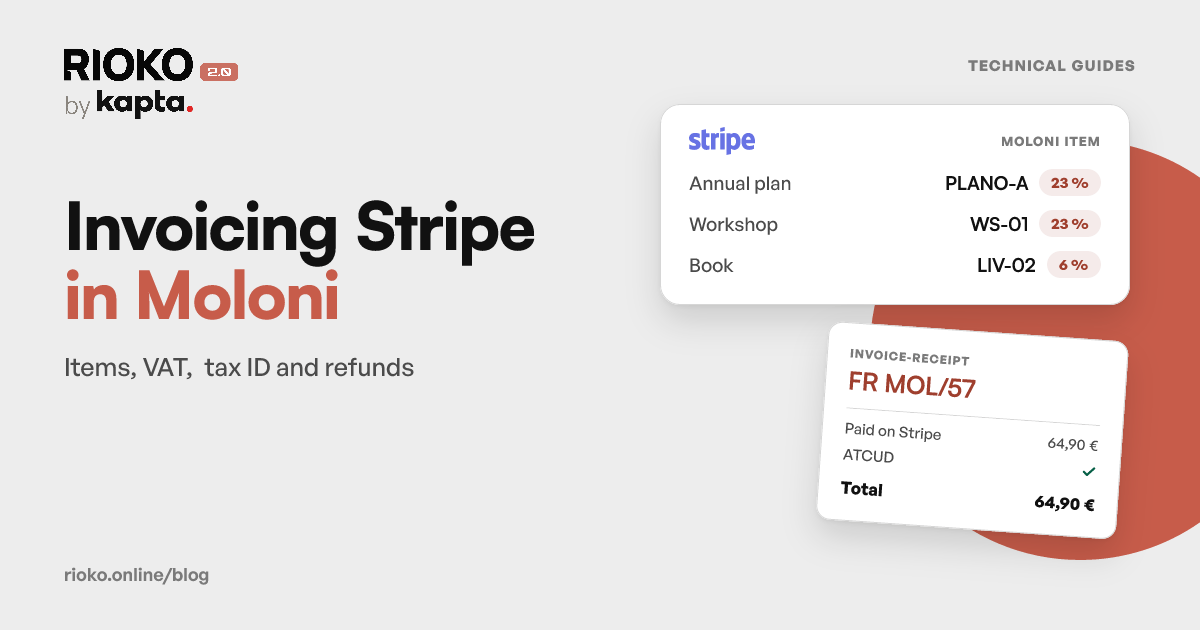
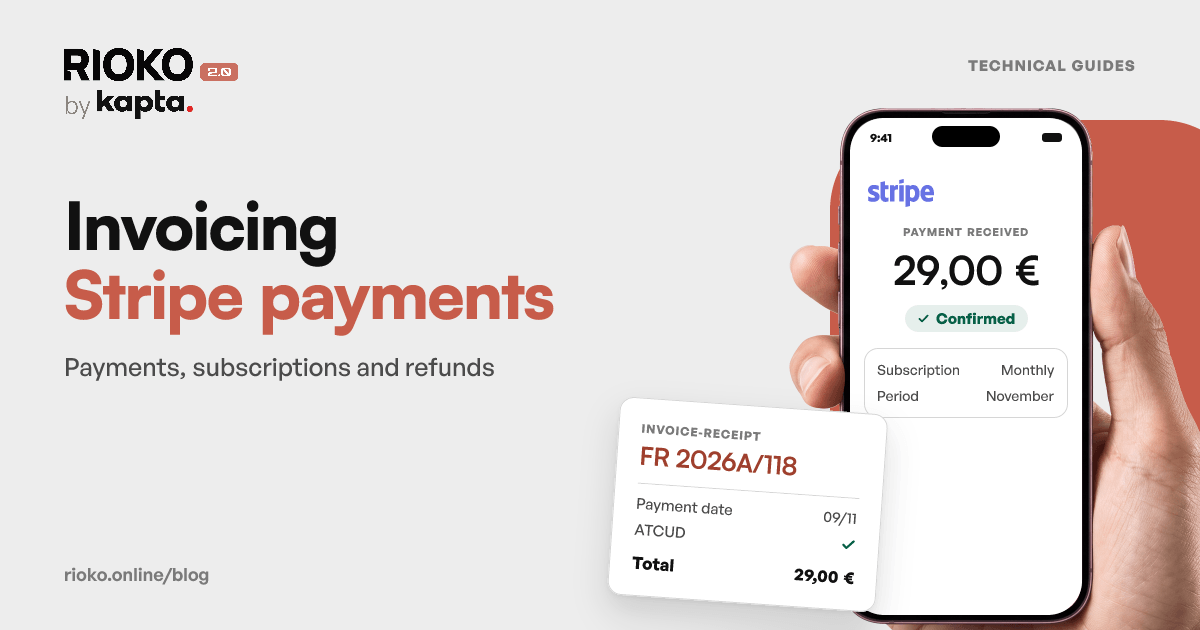
Stripe takes the payment and Moloni issues the invoice, but neither knows about the other. Stripe is not certified software: the invoices and receipts it sends have no ATCUD and no series filed with the AT. For each payment to have its tax document, someone has to carry it into Moloni, by hand or through an integration.
This guide shows what each side needs and what is different in Moloni compared with the other programs. The general rules, which apply to any program, are in Invoicing Stripe payments in Portugal.
What each side does
| Stripe | Moloni | |
|---|---|---|
| Taking payment | Yes: Checkout, Payment Links, subscriptions, API charges | No |
| Knowing who bought | Email, name and, if you ask for it at checkout, the tax ID | The client record |
| Portuguese tax document | No | Yes: invoice, invoice-receipt, credit note |
| Series and ATCUD | No | Yes, once the series is registered |
| Returning money | Yes: the refund | No: only the document that corrects it |
An invoice is mandatory for each supply of goods or services, and also for payments received before delivery (article 29(1) of the VAT Code). When the payment comes before the delivery or the service, the invoice is issued on the date it is received (article 36(1)(c)).
Three ways to connect them
| Way | How it works | Where it tends to break |
|---|---|---|
| By hand | Export the Stripe payments and issue each document in Moloni | Deadline, volume and forgotten refunds |
| Generic automation tool | A Stripe trigger creates the document in Moloni | Subscriptions, total to the cent, credit notes, exemptions |
| Dedicated integration | Reads Stripe events and issues in Moloni with tax rules | Depends on the connection being set up properly |
By hand works with a few payments a month. Beyond that, the issuing deadline and the refunds are the first things to slip.
What Moloni needs
- The Flex plan or above. The Moloni API is included from the Flex plan; the Base plan does not include it (Moloni plans).
- A link to the AT, with a sub-user. See Linking Moloni to the AT.
- A registered series, so that documents carry an ATCUD. See Registering series in Moloni.
- The API switched on, in Configurações, Configuração da API e Plugins. The step by step is in the Moloni guide.
On the Stripe side, the connection is made with Stripe Connect, read only: Rioko reads the payments and the customer details the document needs, and never moves money or makes refunds. See the Stripe guide.
What is different in Moloni
An item on every line
Moloni requires one of your account's items on every line of the document. There are three routes, and they can sit side by side:
- Map the product. In «Mapear Produtos → Moloni», each Stripe product is linked to one of your items. The mapped item sets the line's VAT rate and exemption reason.
- Map by description. A Payment Link or an API charge often carries no product. In that case you pick a piece of text that always appears in the description and the Moloni item that goes with it.
- Let Rioko create it. Anything not mapped gets an item created by Rioko in Moloni, with the rate the payment carried.
Mapping is the right way to invoice a catalogue with different rates. It is also the quickest way to put the wrong rate on everything, if the Moloni item is set up wrongly: check each item's rate before mapping it.
The VAT on each line
In order: the mapped item's rate; the rate that comes from Stripe, when the account calculates the tax; the connection's default rate, when the payment arrives with no tax. If Stripe calculates VAT with Stripe Tax, Rioko checks on activation whether the account charges it and, if it does, reads Stripe's VAT on every payment.
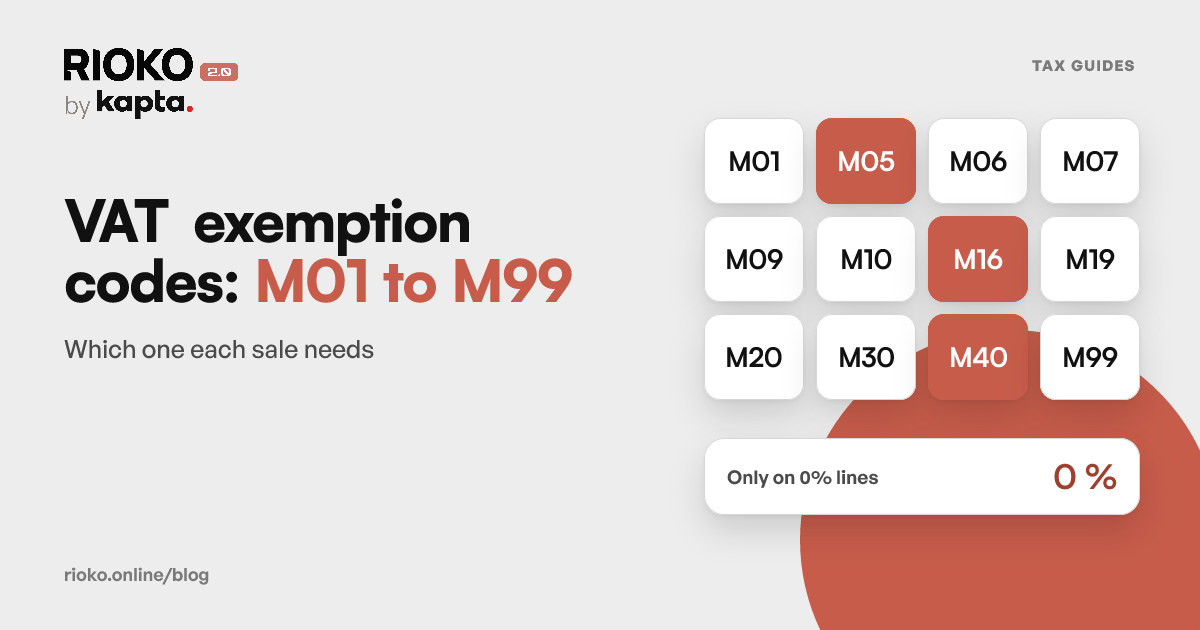
The IVA Incluído option says whether Stripe prices already include the tax. And a 0% line only goes out with an exemption reason declared on the connection or on the item: without one, Rioko refuses to issue rather than invent a code.
Who the client is
The tax ID comes from Stripe when you ask for it at checkout, with tax ID collection switched on, or when you store it on the Customer. With a NIF, Rioko reuses the client record Moloni already has for that taxpayer. Without one, the document is issued to a final consumer, with the generic tax ID 999999990.
A wrong NIF is corrected on the client record. A document already finalised with the wrong NIF is not corrected with a credit note: it is cancelled and another is issued. The article Wrong tax ID, or asked for after the purchase covers both cases.
The total is the amount paid
Discounts, coupons and rounding make the sum of the lines differ from the amount charged by a few cents. Moloni keeps five decimal places on prices, and Rioko adjusts the unit price so that the total matches what the person paid, without inventing a discount nobody gave.
The document date
The payment date. If the series already has a finalised document with a later date, Moloni refuses the earlier date: the document goes out with a date the series accepts, and the payment date goes in the notes.
Foreign currency
The invoice is in euros, at the latest ECB rate published at the time of the payment, showing the amount received, the currency and the rate. The rate Stripe uses to convert what it pays out is a different one, and it is normal for them not to match to the cent. More in Invoicing in a foreign currency.
Subscriptions
Each paid Stripe invoice gets a document in Moloni, dated on the payment day. Trial periods and zero-value invoices are not invoiced.
Refunds
Each refund, even a partial one, gets a credit note in Moloni, linked to the invoice it corrects, as long as the invoice is finalised. The law requires the correcting document to identify the invoice it refers to (article 36(6) of the VAT Code). If the invoice is still a draft, Rioko warns you instead of issuing the note: a draft is corrected or deleted.
Draft or finalised
With Auto-finalize off, documents stay as drafts in Moloni until someone finalises them. With it on, they go out straight away. The email to the buyer is sent when the document is finalised, if that option is on. The legal deadline runs the same way: as a rule, by the 5th working day after the moment the tax becomes due (article 36(1)(a)).
Before you connect
- Switch off any other invoicing of the same payments, if there is one. The same payment would end up with two invoices.
- Confirm the series the documents will be issued in, and that it is registered.
- Map the products with rates other than 23%, or that are exempt.
- Declare the default rate and the exemption reason, if you sell without VAT to any kind of customer.
- Start with Auto-finalize off and check the first documents with your accountant: tax ID, rate, exemption, series and total.
Checking the invoices always belongs to the merchant and their accountant, before and after automating.
How Rioko connects Stripe to Moloni
Rioko issues every Stripe payment in Moloni, including Checkout, Payment Links and subscription renewals, and every refund as a credit note. It costs €7.50 + VAT a month or €75 + VAT a year, per integration.
See how it works with Stripe → · Pricing
If a payment is left without an invoice, see what stops an invoice going out.
Sources
Frequently asked questions
Does Moloni invoice Stripe payments on its own?
No. Stripe takes the payment but does not issue Portuguese tax documents, and Moloni does not know the payment happened. The two accounts have to be connected, by hand or with an integration.
Which Moloni plan do I need to connect Stripe?
The Flex plan or above, because the Moloni API is only included from that plan up. The account also has to be linked to the AT and have a registered series.
Which document does Moloni issue for each payment?
An invoice-receipt, because the Stripe payment has already been received. If you prefer, the connection can issue an invoice instead.
Moloni requires an item on every line. Do I have to create one per product?
No. In «Mapear Produtos → Moloni» you can link each Stripe product to one of your items, or map by the text of the description. Anything not mapped gets an item created by Rioko.
Which VAT rate does each line take?
The Moloni item's rate, when the product is mapped. Without a mapping, the payment's rate when Stripe calculates the tax, or the connection's default rate. A 0% line only goes out with a declared exemption reason.
What if the buyer gives no tax ID?
The document is issued to a final consumer, with the generic tax ID 999999990. If the buyer enters their NIF in the Stripe checkout, Rioko uses it and reuses the client record that already exists in Moloni.
What happens in Moloni when I refund in Stripe?
Each refund, even a partial one, gets a credit note linked to the invoice, as long as the invoice is finalised. The full path is in From refund to credit note.
Are subscription renewals invoiced?
Yes. Each paid Stripe invoice gets a document in Moloni, dated on the payment day. Trial periods and zero-value invoices are not invoiced.
I get paid in dollars. How does the Moloni invoice look?
It is in euros, at the latest ECB rate published at the time of the payment, with the amount received, the currency and the rate shown on the document.
Can I see the documents before they go out?
Yes. With Auto-finalize off, documents stay as drafts in Moloni until someone finalises them. See what changes between draft and finalised.
Still have questions
Write the question. It reaches a person, not a form.