


Shopify B2B: Invoicing Sales to Companies in Portugal
How to invoice company orders on Shopify B2B in Portugal: Invoice on order, Receipt on payment, the company's tax number, payment terms and EU businesses.
Shopify is no longer just a shop for consumers. With B2B, a company has its own profile in the shop, buys at its own prices and pays at 30 or 60 days, as with a wholesaler. For invoicing, this changes a rule most shops follow without thinking: invoice when the order is paid.
This guide shows why a sale on terms cannot wait for payment, which documents go out at each moment and where the company's details come from.
What Shopify B2B is
Companies live in Customers › Companies. Each company has one or more locations, and each location can have its own tax ID, exemptions, catalog, payment terms and contacts (Shopify help).
Since 2 April 2026, B2B is available on the Basic, Grow, Advanced and Plus plans, at no extra cost. Outside Plus there is a limit of 3 active catalogs, and deposits and partial payments remain Plus only (Shopify Changelog). The Starter and Retail plans do not have B2B (Shopify help).
Why the invoice cannot wait for payment
In a retail shop, invoicing when the order is paid is the sound rule: it avoids invoices for orders that are never paid. In a sale to a company with payment terms, the order is reversed. The company receives the goods first and pays weeks later.
For goods, VAT is due when they are made available to the buyer (article 7(1)(a) of the VAT Code), and the invoice has to go out by the 5th working day after (article 36(1)(a)). With 30-day terms, waiting for the money puts the invoice past the deadline. And the company needs the invoice to book it and pay it.
Two documents: Invoice and Receipt
| Moment | Document | What it says |
|---|---|---|
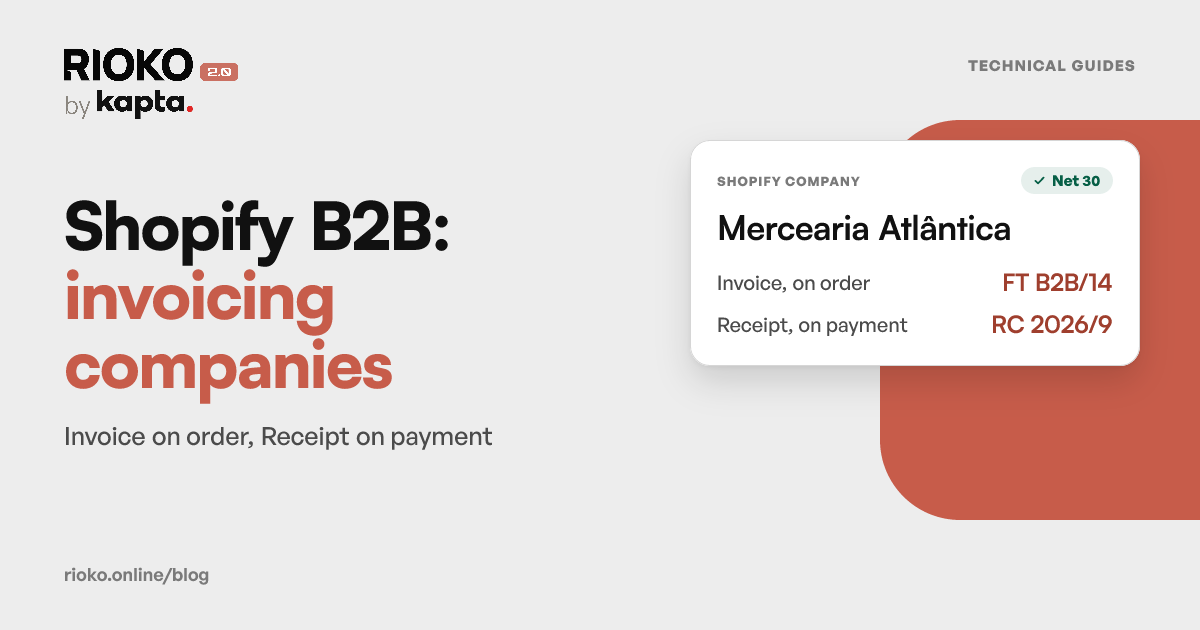
| The company orders | Invoice (FT), on credit | What was sold, to whom, with VAT and a due date |
| The company pays | Receipt (RC) for the Invoice | That the amount of that Invoice was received |
An invoice-receipt does not fit here: it says the payment has already been received, which is not true of a sale on terms.
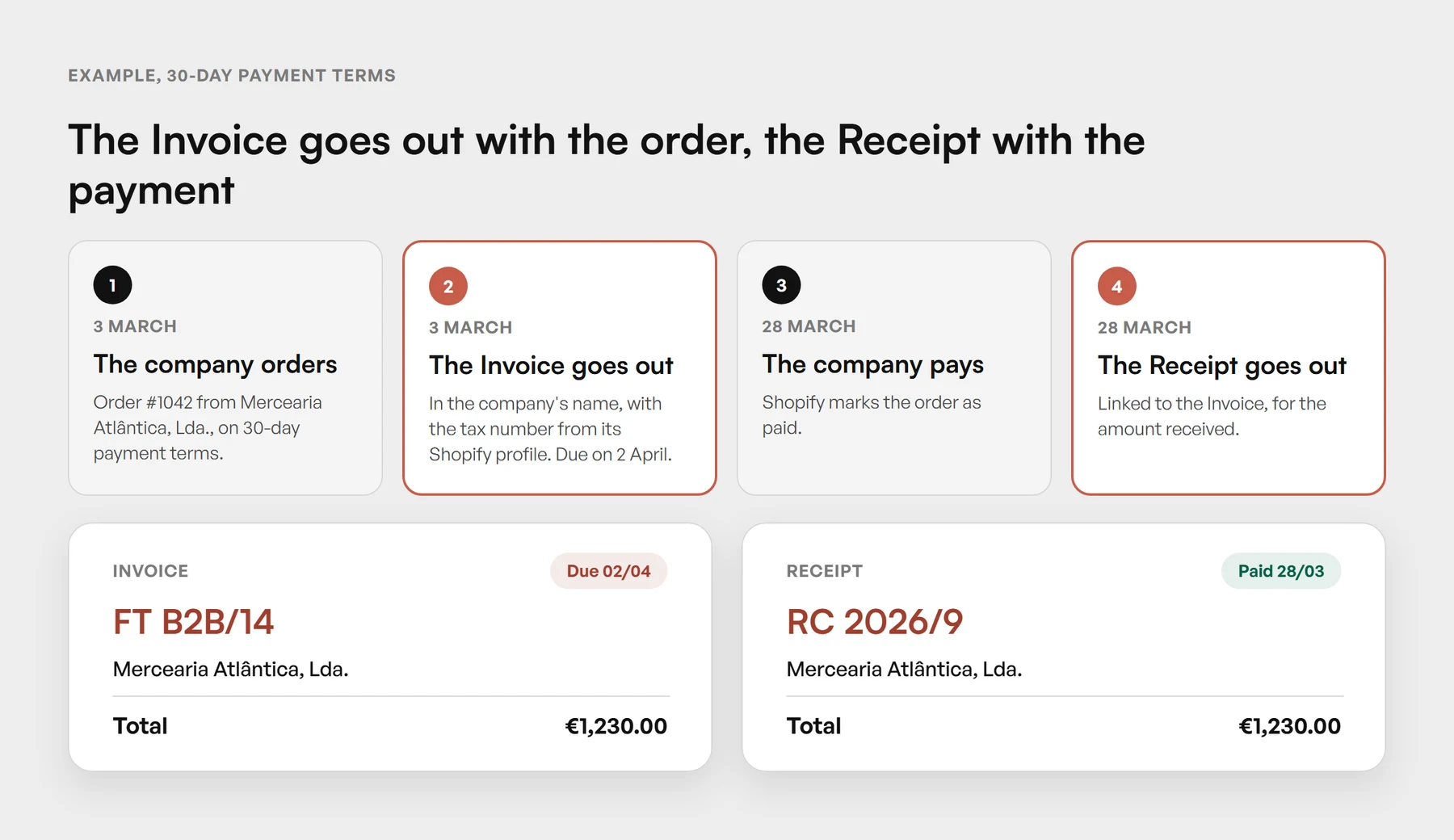 An example with made-up data: the Invoice goes out with the order and falls due with the payment terms; the Receipt goes out when Shopify marks the order as paid.
The company's details on the invoice
- Name: the company's, not that of the person who placed the order on its behalf.
- Tax number: the one on the company's location in Shopify. Without it, a sale to a company goes out as if it were to a consumer.
- Due date: the one from the order's payment terms.
- Series: the same as retail, or a series of its own. A separate series, registered with the AT like any other (invoice series), keeps invoices to companies apart from retail.
Companies in another EU country
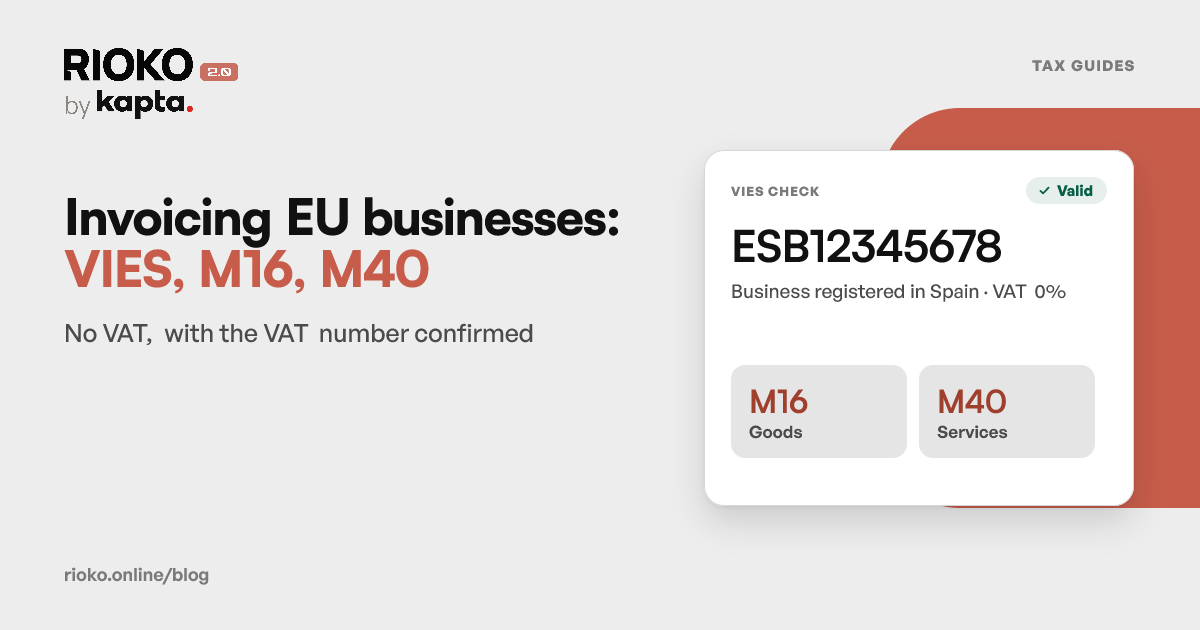
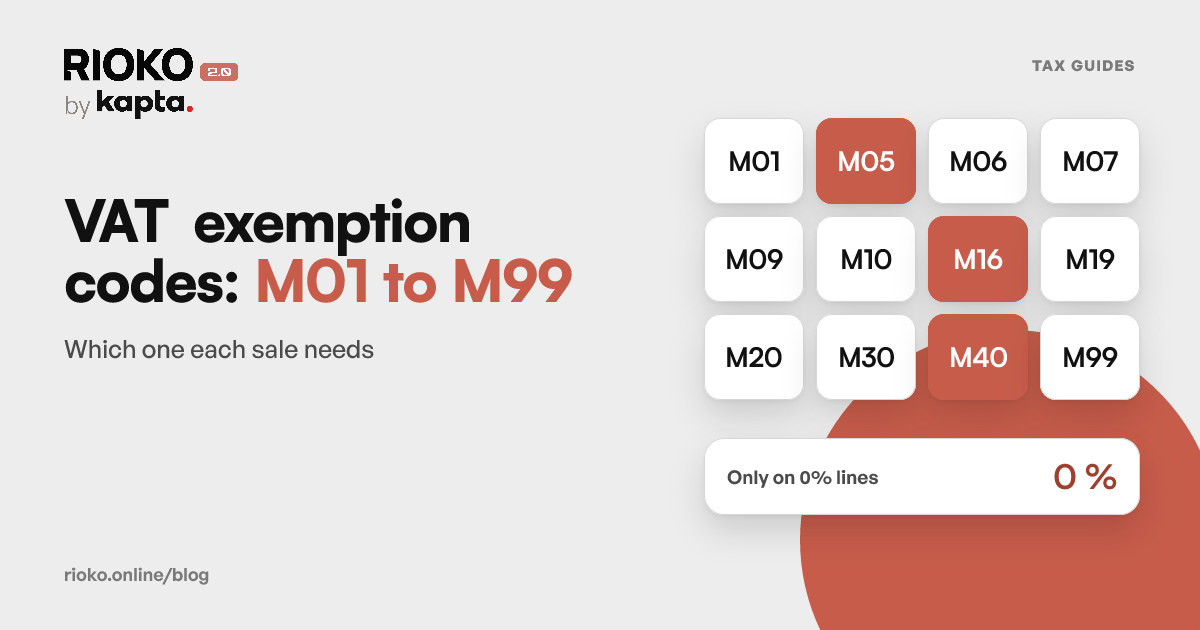
A sale of goods to a company in another Member State, with a VAT number valid in VIES, is exempt under article 14 of the RITI and goes out with exemption reason M16. Without VIES confirming the number, it does not go out at 0%. The step by step is in Invoicing EU businesses: VIES, M16 and M40, and the table of codes in VAT exemption codes M01–M99.
How the InvoiceXpress by Kapta app invoices Shopify companies
The InvoiceXpress by Kapta app, made by the Rioko team, invoices Shopify orders in InvoiceXpress. Sales to companies are turned on with a single switch, in Settings › B2B sales.
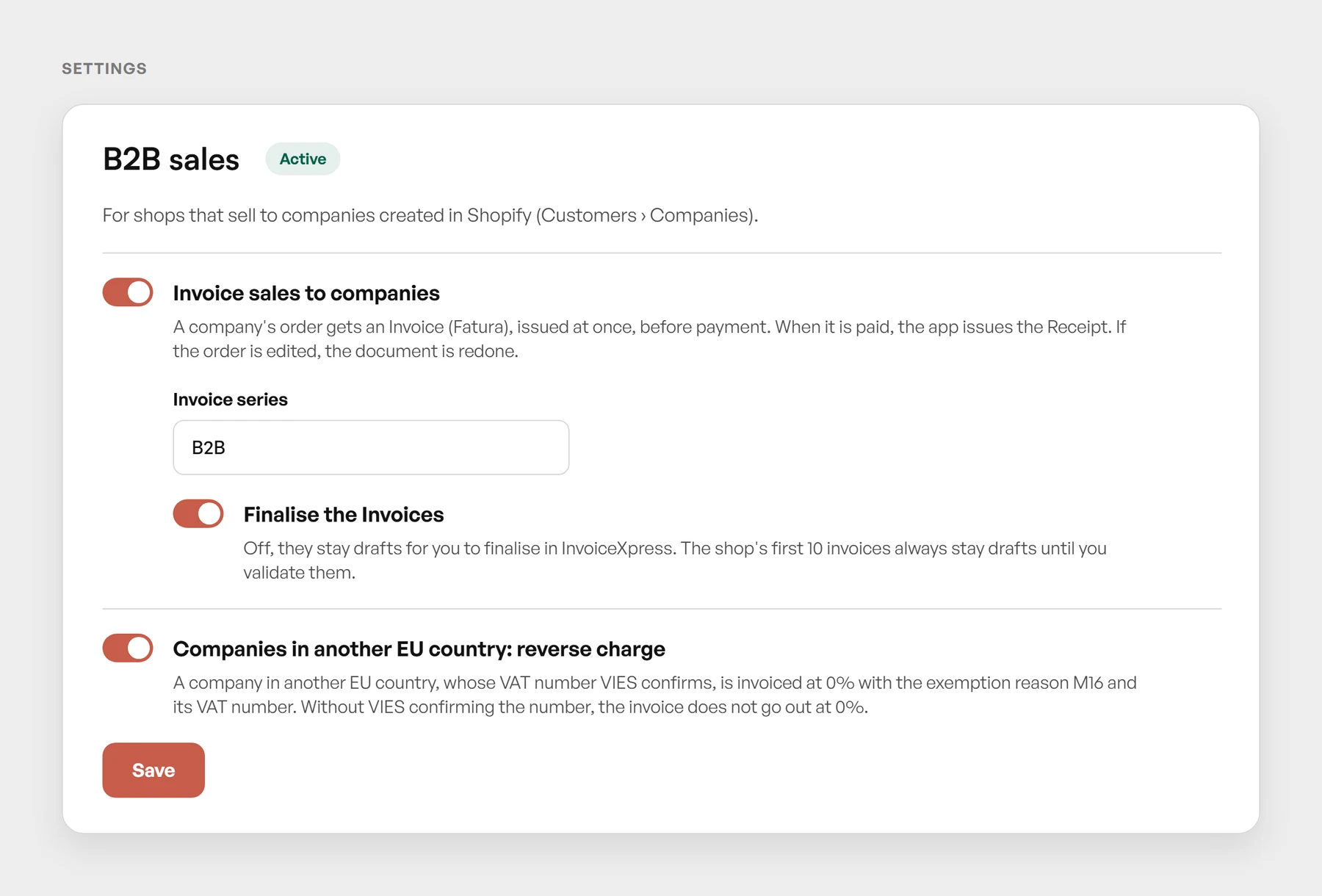 The B2B sales card: one switch for companies, the Invoice series, finalising, and reverse charge for EU companies.
With Invoice sales to companies on:
- Each order from a company created in Shopify goes out as an Invoice, in the series chosen, as soon as it is placed, before payment. Nothing needs tagging: the app recognises orders from Shopify companies.
- The Invoice goes out in the company's name, with the tax number from its profile, and falls due according to the payment terms.
- When Shopify marks the order as paid, the app issues the Receipt for that Invoice.
- If the order is edited, the document is redone: a finalised document gets a credit note and is replaced.
Two of these settings apply to the whole shop: an edited retail order also has its document redone, and a tag rule that issues an Invoice also issues it before payment. Turning the switch off puts everything back, and documents already issued stay as they are.
Finalise the Invoices decides whether they go out finalised or as drafts, to review in InvoiceXpress. The shop's first 10 invoices always stay drafts until you validate them. And Companies in another EU country: reverse charge invoices EU companies whose number VIES confirms at 0%, with M16; it needs the shop's prices to include VAT and the buyer's country VAT (OSS) turned on in Shopify.
If the company never pays, the Invoice stays unpaid in InvoiceXpress. If you cancel the order in Shopify without having been paid, the app issues a credit note for the total.
Before you turn on B2B sales
- Check each company's tax number on its Shopify profile, for every location you invoice.
- Set each location's payment terms. They give the Invoice its due date.
- Decide on the series. If you want invoices to companies kept apart, register the series in InvoiceXpress first.
- For EU companies, ask for the VAT number with its country prefix and confirm it in VIES.
- Start with Invoices as drafts and check the first ones with your accountant: name, tax number, due date and VAT.
For the rest of the shop's orders, the Shopify invoicing guide covers when to invoice, which document to use and where to ask for the tax number.
See the InvoiceXpress by Kapta app documentation → · How Rioko invoices Shopify
Sources
Frequently asked questions
What is Shopify B2B?
Shopify's set of features for selling to companies: company profiles with several locations, catalogs with their own prices, payment terms and orders placed by the company itself in the shop. Companies live in Customers › Companies.
Which Shopify plans include B2B?
According to Shopify's help, Basic, Grow, Advanced and Plus, outside Plus too since 2 April 2026. Starter and Retail do not have it. Outside Plus there is a limit of 3 active catalogs, and deposits and partial payments are Plus only.
Why can't I invoice only when the company pays?
Because, for goods, VAT is due when they are made available to the buyer (VAT Code, article 7), and the invoice has to go out by the 5th working day after (article 36). With 30-day terms, waiting for the money puts the invoice past the deadline.
Which document goes out for a company order?
An Invoice (Fatura), issued on credit, as soon as the order is placed. An invoice-receipt says the payment has already been received, which is not true of a sale on terms. When the company pays, the Receipt for that Invoice goes out.
Where does the company's tax number come from?
From the company's profile in Shopify, where each location can have its own tax ID. With the InvoiceXpress by Kapta app, the document goes out in the company's name and with that number.
Is the Invoice due date the one from the payment terms?
Yes. In the InvoiceXpress by Kapta app, the Invoice due date follows the order's payment terms in Shopify, for example 30 days after the order.
What about a company in another EU country?
With its VAT number confirmed in VIES, a sale of goods goes out without VAT, with exemption reason M16 and the company's VAT number. Without VIES confirming it, it does not go out at 0%. See how to invoice EU businesses.
What if the company never pays?
The Invoice stays unpaid in InvoiceXpress, like any sale on credit. If you cancel the order in Shopify without having been paid, the app issues a credit note for the total.
What if the order is edited after it is invoiced?
With B2B sales turned on in the app, the document is redone: a draft is corrected, and a finalised document gets a credit note and is replaced by a new one.
Can I use a series just for companies?
Yes. In the app, the B2B sales card has the Invoice series field. A series of its own keeps invoices to companies apart from retail. Left blank, it uses the InvoiceXpress default series.
Still have questions
Write the question. It reaches a person, not a form.